
Portal
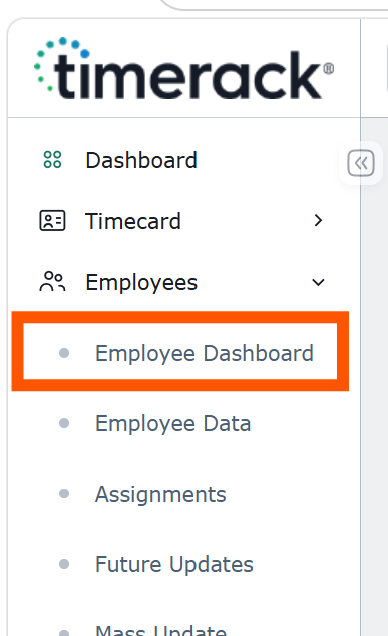
• NEW Employee Dashboard: A new Employee Dashboard is now available in the Timerack portal, giving users a centralized view of their full employee list. The dashboard utilizes a flexible grid system, allowing users to filter and sort columns, customize the information displayed, and save dashboard views for quick access to the data they use most.
Dashboard data can also be easily exported as a CSV file for additional reporting or analysis.
For more details, visit our new Employee Dashboard article and watch the short walkthrough video!
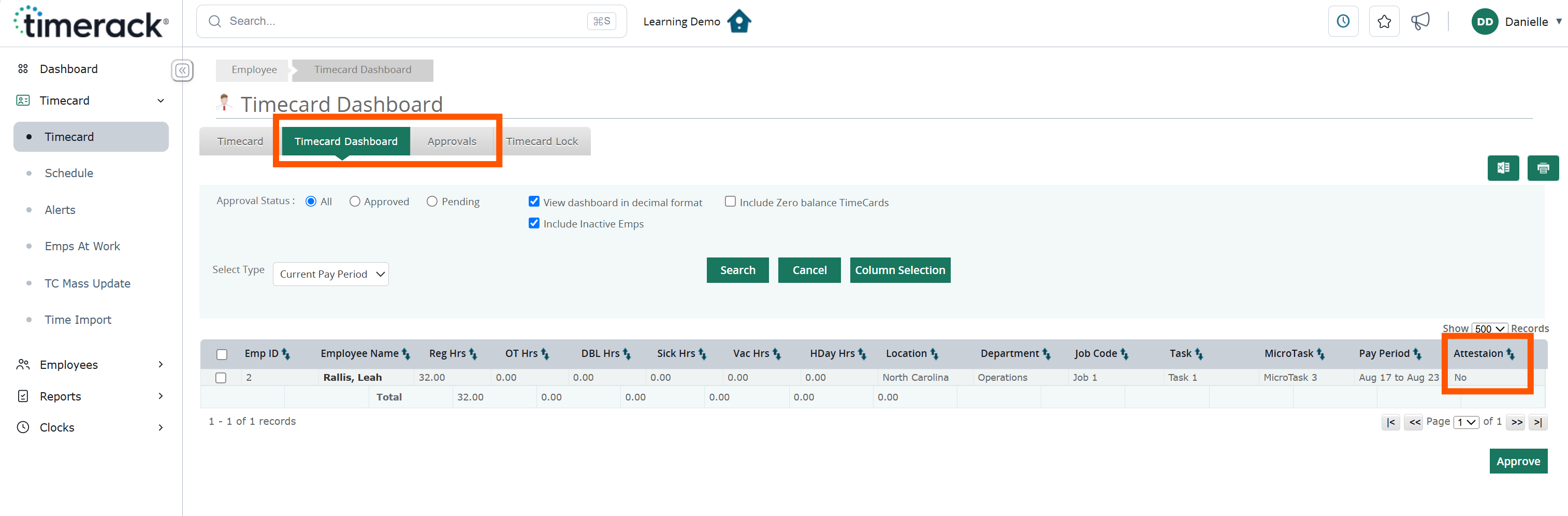
• Attestation Log: With the addition of attestation logs, users can now easily view employee attestation responses directly within Timerack. A new Attestation column has been added to both the Timecard Dashboard and the Approvals page (when the Email Approvals module is enabled). The column will display Yes or No to indicate whether the employee has approved the attestation.
Reports
• NEW Approaching Overtime Report: This report allows users to quickly identify employees who are approaching overtime based on a defined hours threshold. The report can be run for either Daily or Weekly Overtime, helping teams proactively monitor hours before overtime is reached.