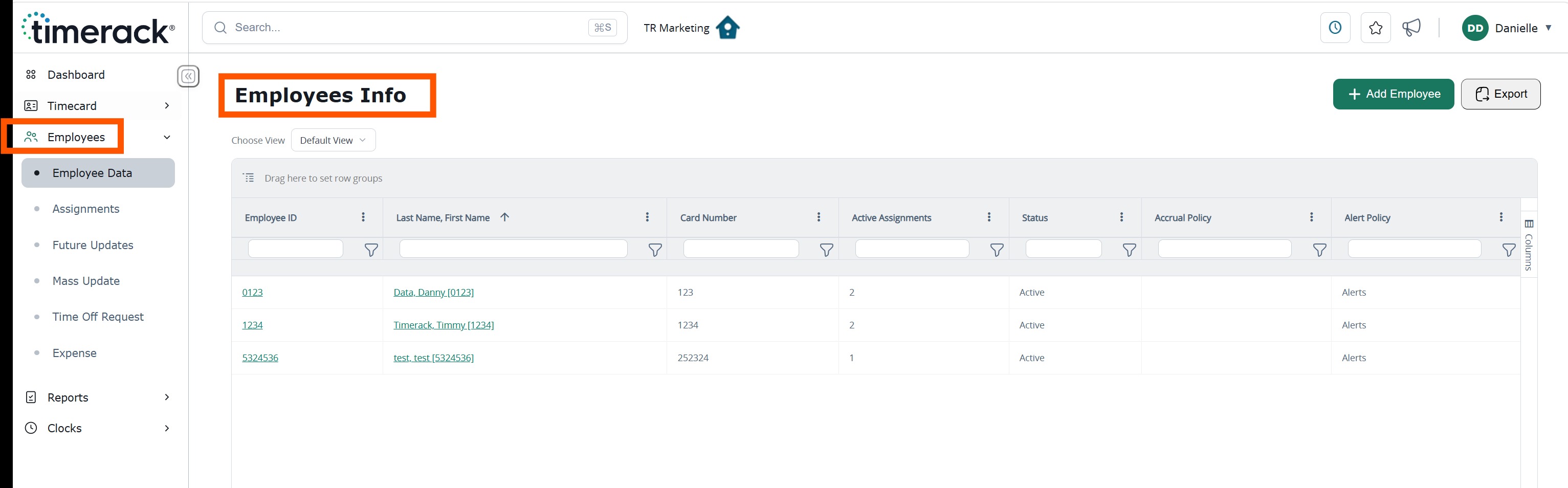
Timerack has released Phase 1 of the User Interface Modernization initiative. This release introduces the first set of visual and usability enhancements designed to improve the overall user experience.
Future phases will continue to build upon this foundation with additional interface updates, enhanced functionality, and expanded feature improvements.
Review the sections below for an overview of the key changes included in Phase 1.
For a brief video overview of the Phase 1 enhancements, CLICK HERE.
Dashboard
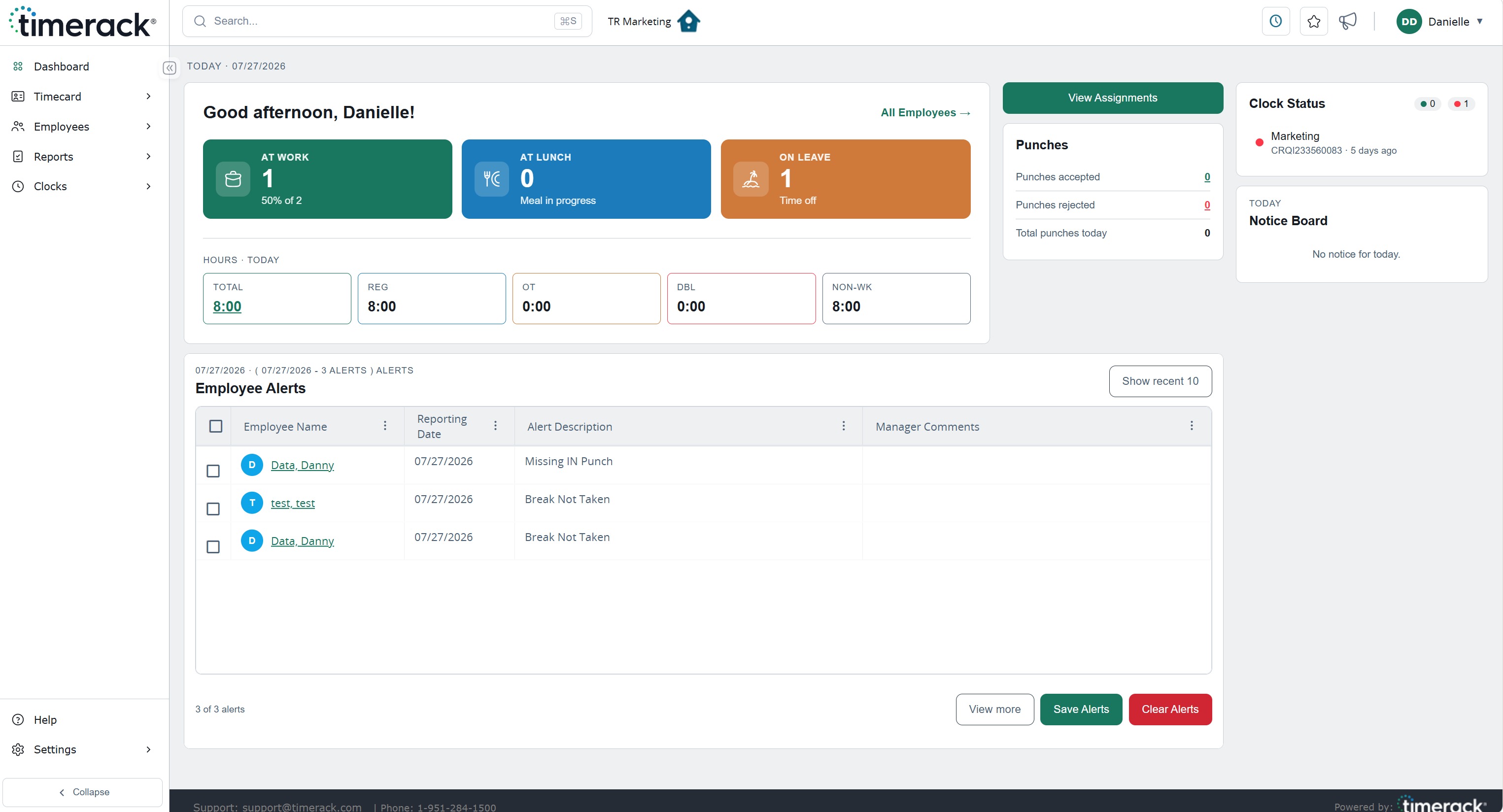
The Dashboard has been updated with a redesigned layout and an enhanced color scheme to provide a more modern appearance and improve visual organization.
Enhanced Dashboard analytics provide a centralized view of key workforce metrics, including employee hours and current on-the-job status.
Navigation
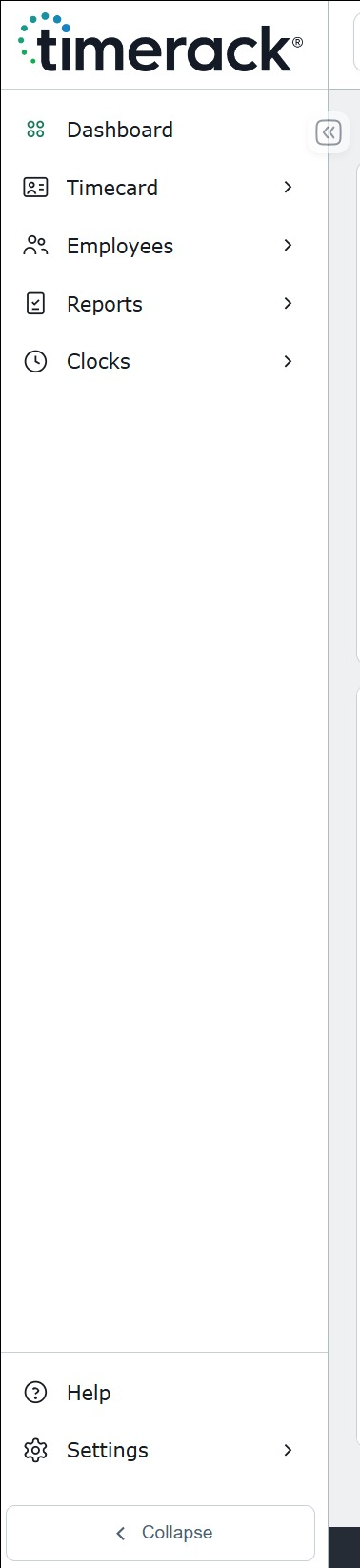
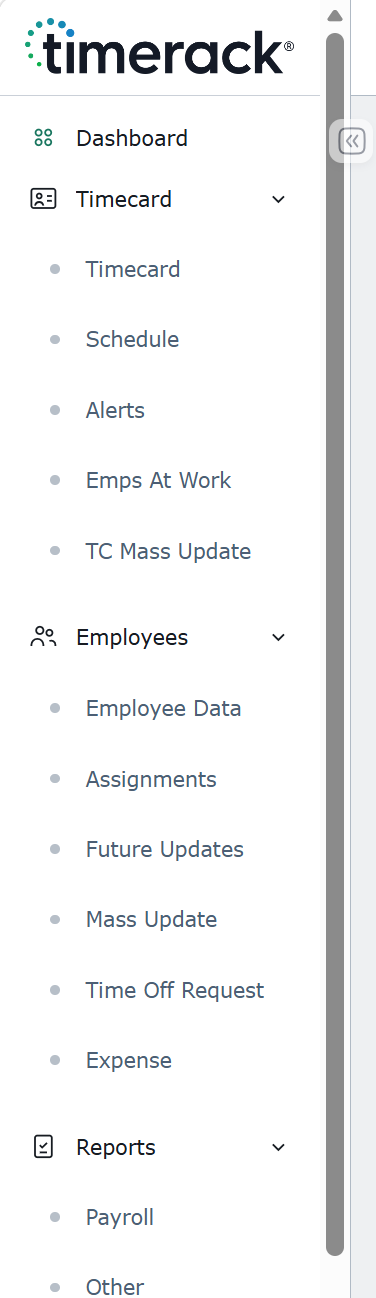
The application now features a left-side navigation menu that provides access to all available pages from a single, centralized location. The navigation menu can be expanded or collapsed to accommodate user preferences and maximize available screen space.
Select a navigation section to display the pages available within that category, then choose the desired page to navigate directly. When additional workspace is needed, collapse the navigation menu to increase the available viewing area.
 |  |
Maintained Functionality
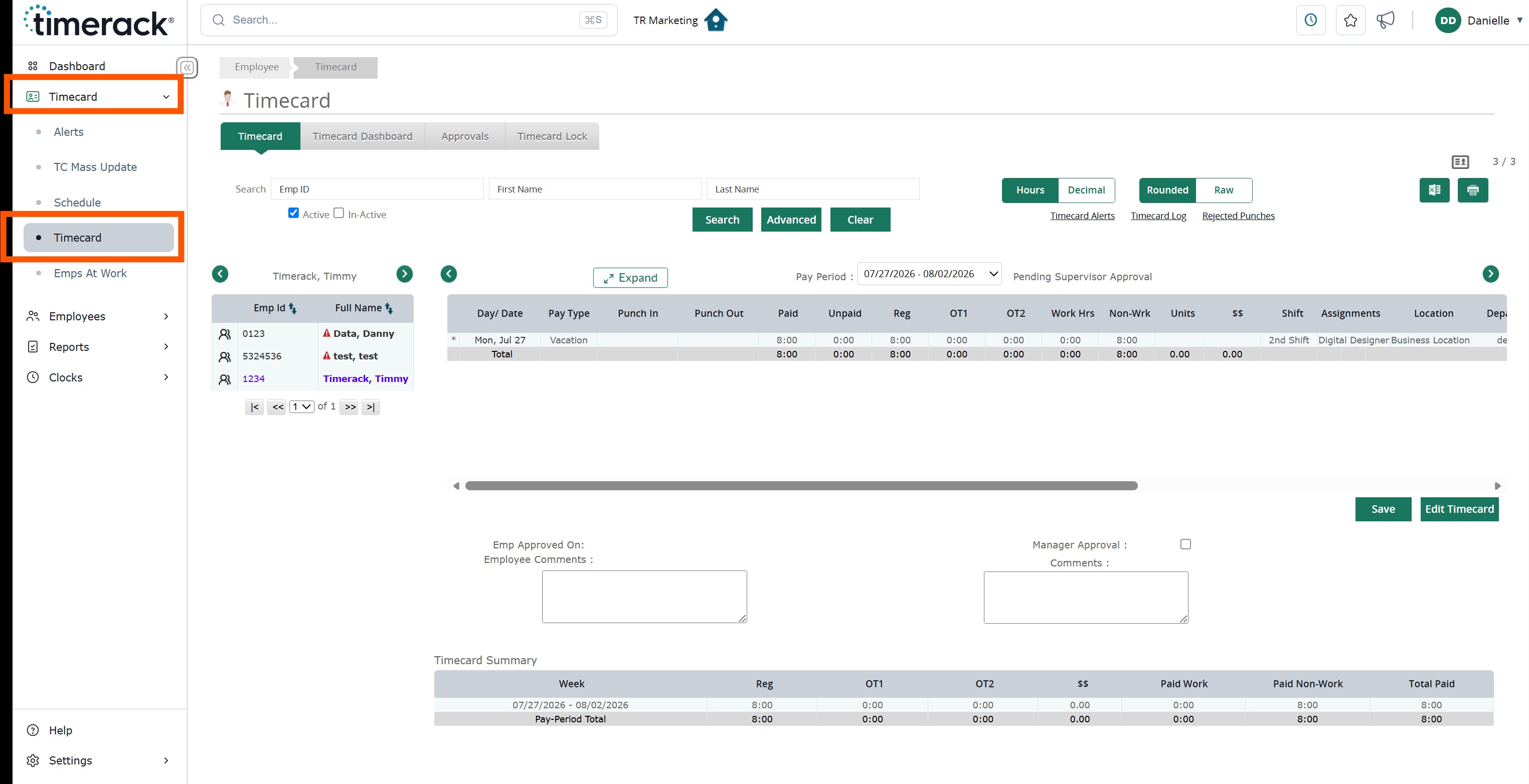
Existing pages retain their current functionality while incorporating the updated user interface. For example, the Employee Timecards page now features the new visual design without changes to its core functionality.
Grid Framework
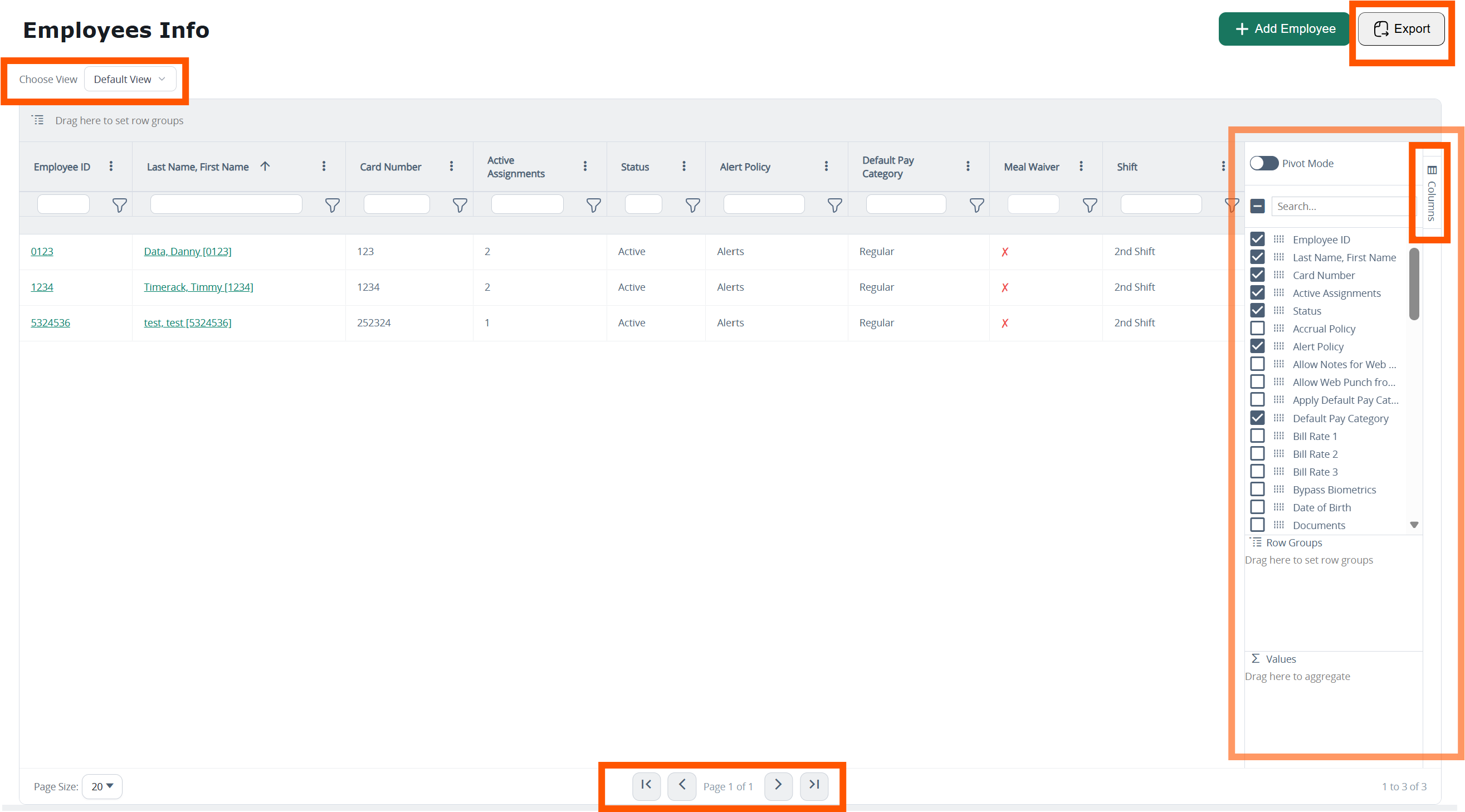
Select pages have been migrated to the new grid framework as part of Phase 1. The updated grid provides enhanced filtering and sorting capabilities while improving data presentation and usability.