
Portal
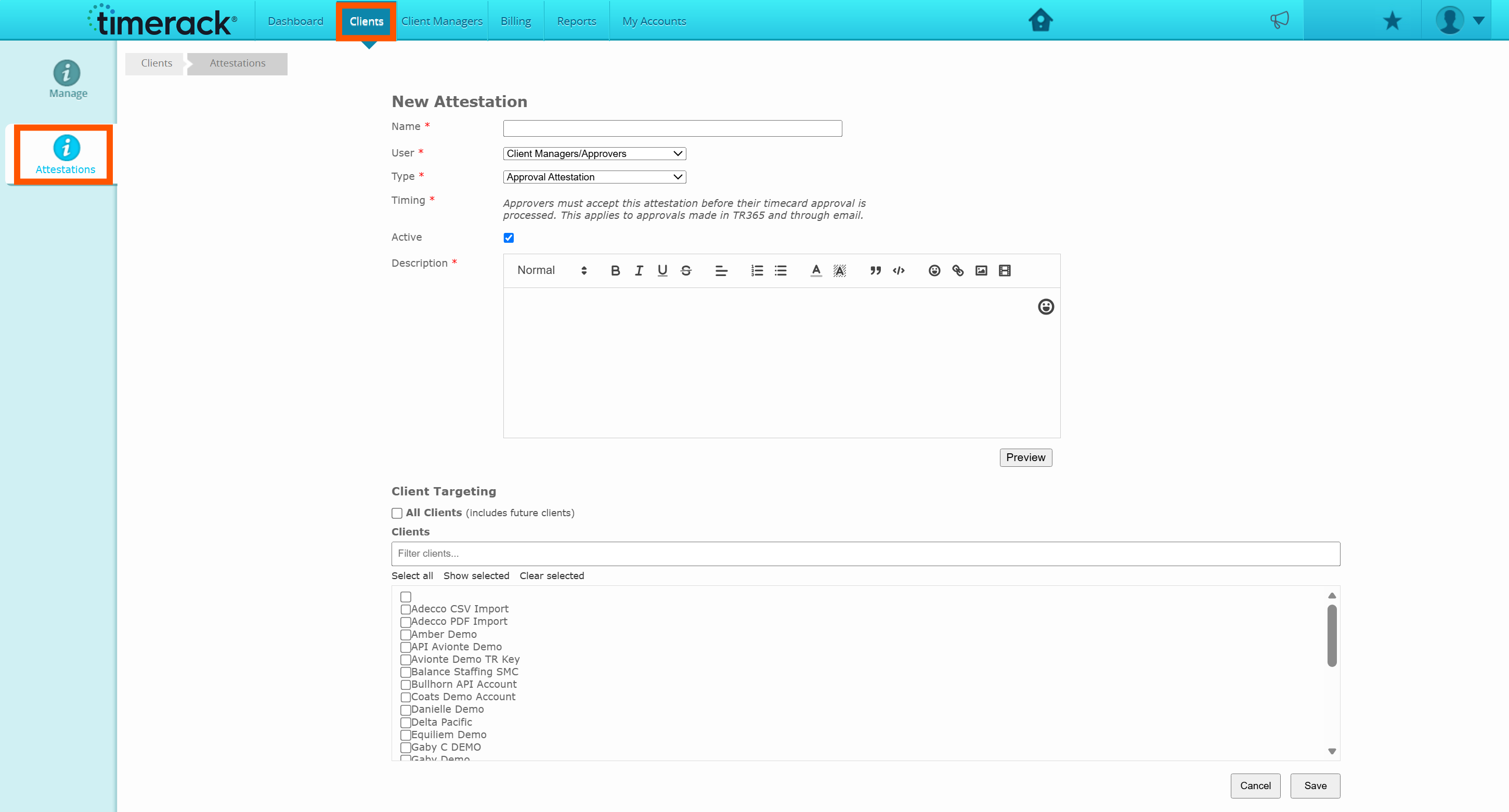
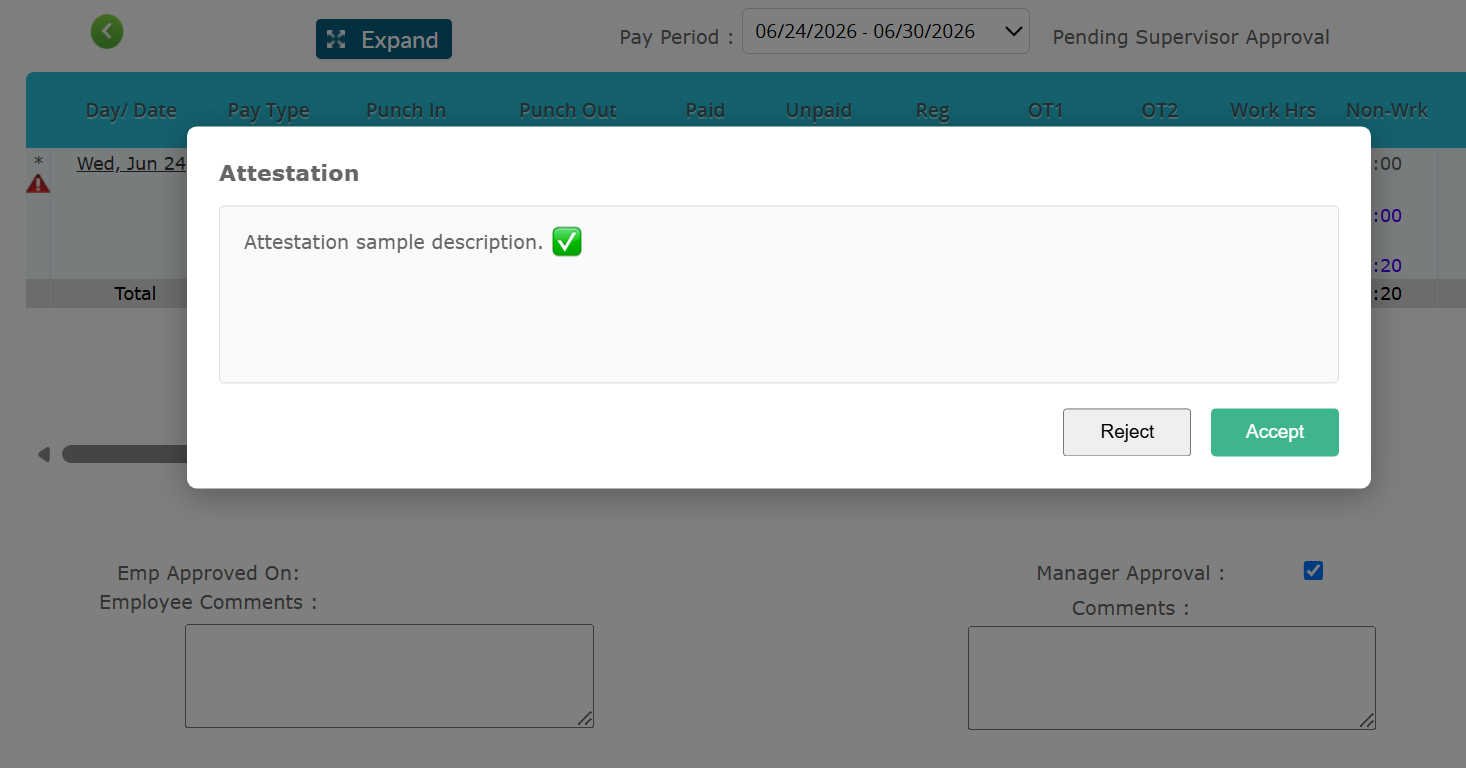
•Attestations: There is new Attestations functionality available in the system. With this release, attestations can be created for Approvals and Terms & Conditions. Attestations can be configured at the Partner level, with customizable partner permissions to control access and management. Any changes made to attestation configurations are recorded in the Attestation Audit Log, providing a complete history of updates. When creating an attestation, you can choose to send it to all managers/employees or target specific managers/employees.
Check out our new article Attestation Management for more information!
Mobile App
• We have now added Mobile Timecard Editing ability for employees. This feature will need to be turned on within the employee's profile and they must have Mobile Timecard selected first.
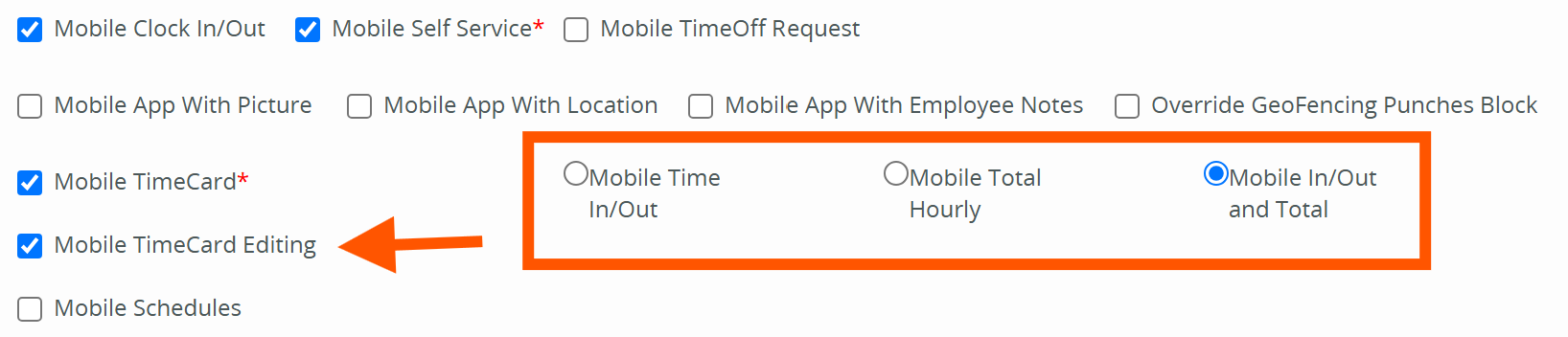
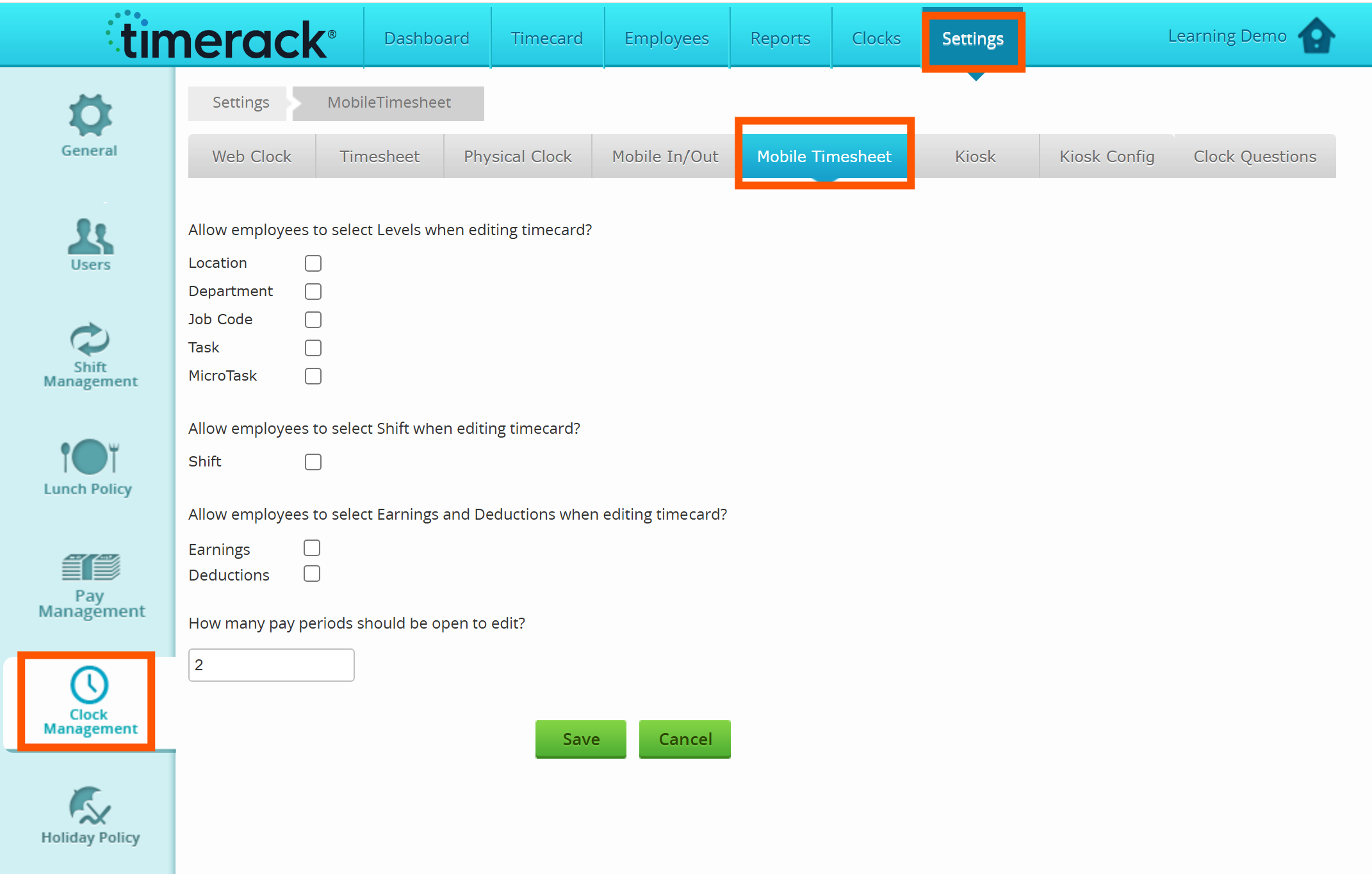
• Employees are able to add time pairs, total hours, earnings, and deductions all based on the permissions that you set.
• To set the Mobile Timesheet permissions, navigate to Settings>Clock Management>Mobile Timesheet.
Please note: Mobile Timecard Editing (and the Mobile App) are available only for employees and the Mobile module must be turned on for your client portal in order for employees to utilize the mobile app and to allow them to edit timecards via the mobile app.
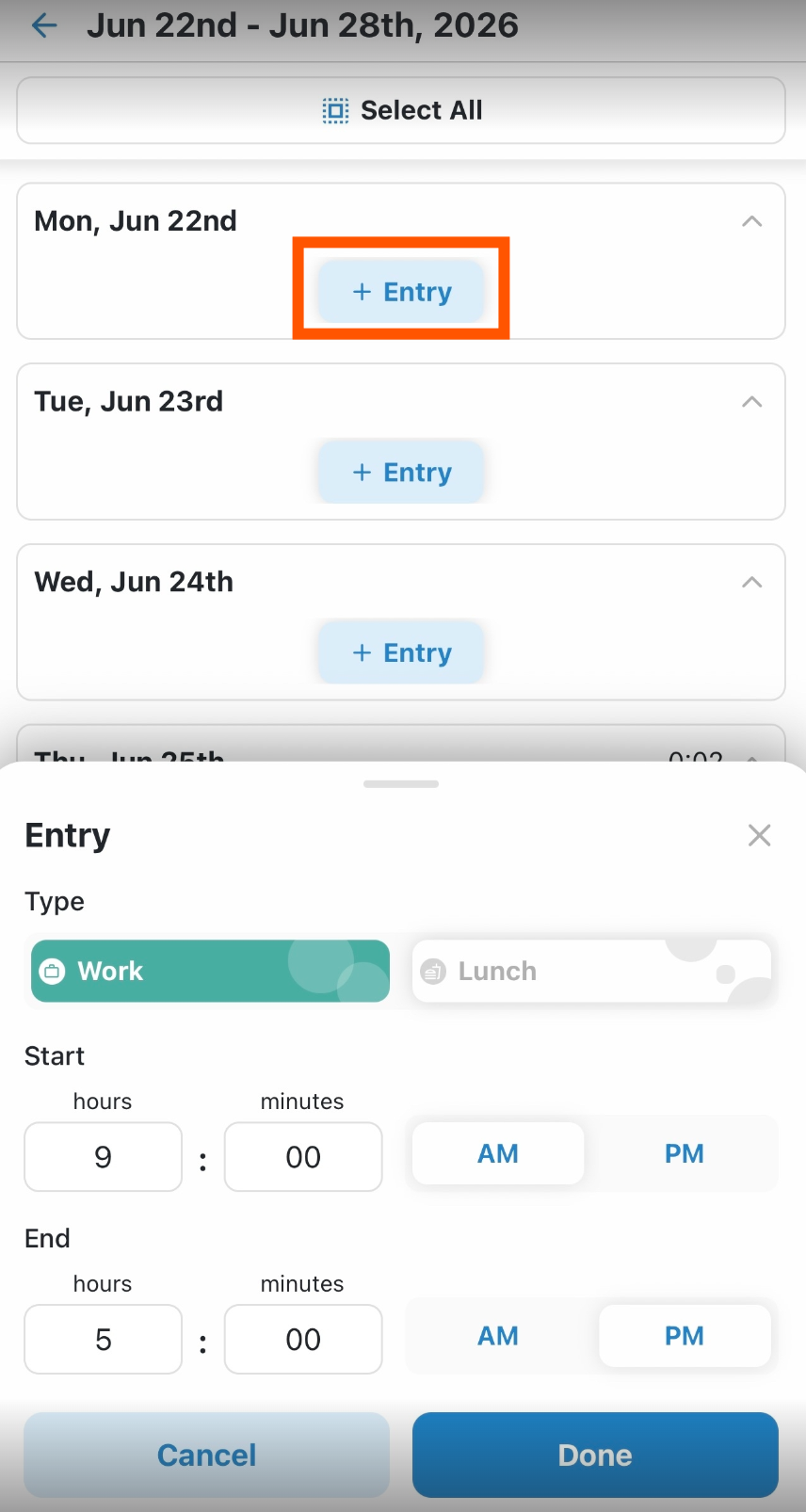
Check out our 2 new Mobile Timecard Editing articles, Mobile Timecard Editing and How to Edit Timecard via the Mobile App, for more information!
General Fixes
• Fixed an issue related to not being able to enter hours for a specific date on an employee timecard.
• Fixed an issue related to blocked emails for payroll files.