
Assignment Mass Update is a feature which enables users to update information on multiple Assignments in bulk. The Assignment Mass Update tool is useful for modifying fields such as approver name and approver email. |  |
This article explains how to use Assignment Mass Update.
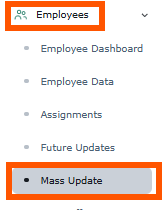
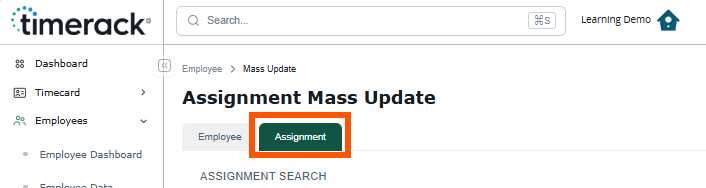 |
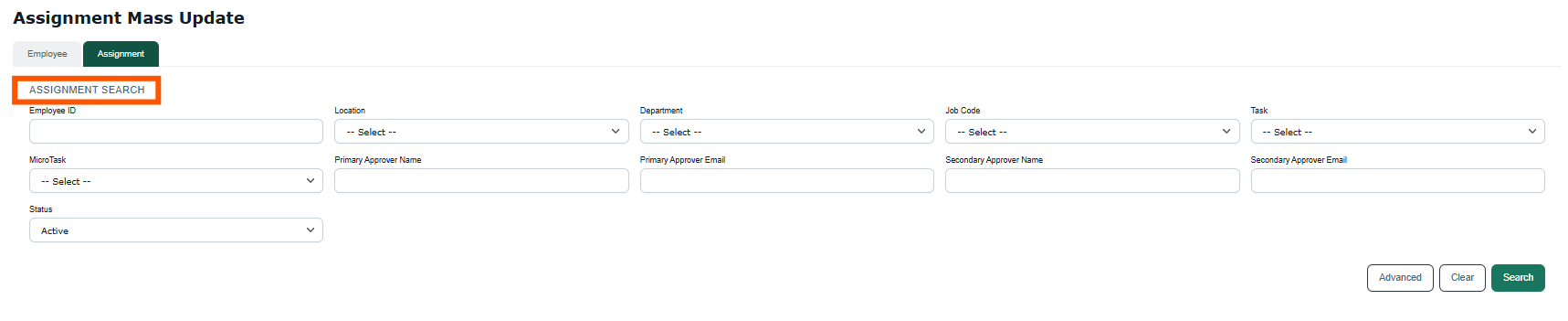
4) Click the Search button to populate the list.
5)
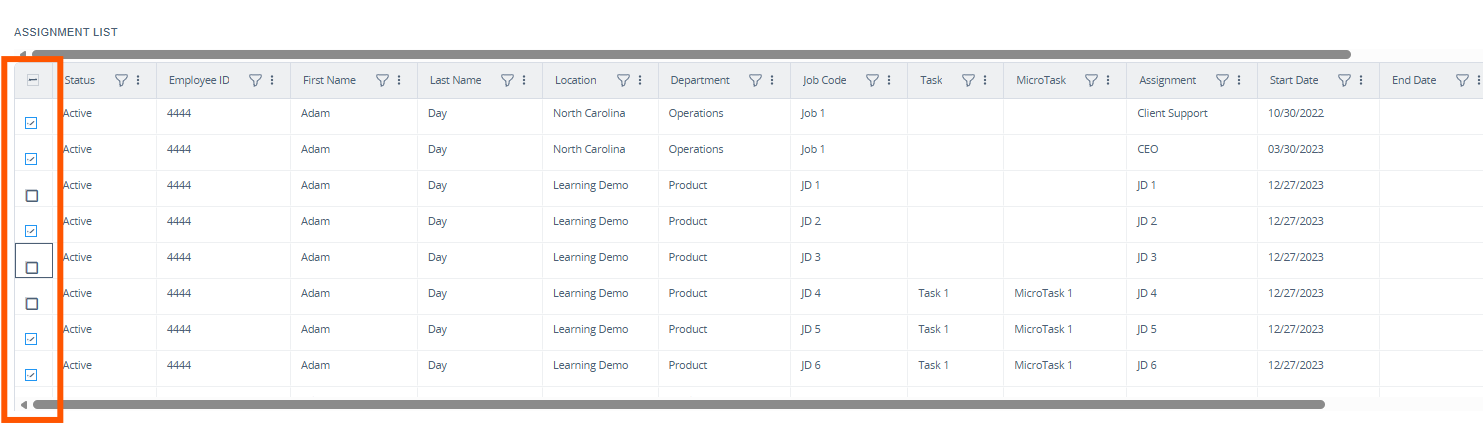
| 6) Assignment Update is where you will specify which Assignment fields to change and what changes to make to them. |  |
7) Mark the checkbox next to each field you want to update for the selected Assignments and enter the new information.
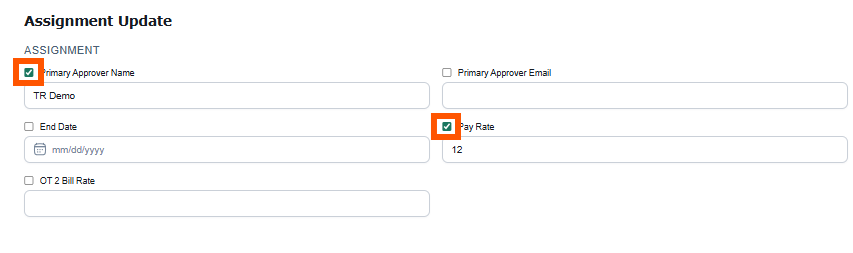
To clear data from a selected field upon update, mark the checkbox and leave the field blank. | 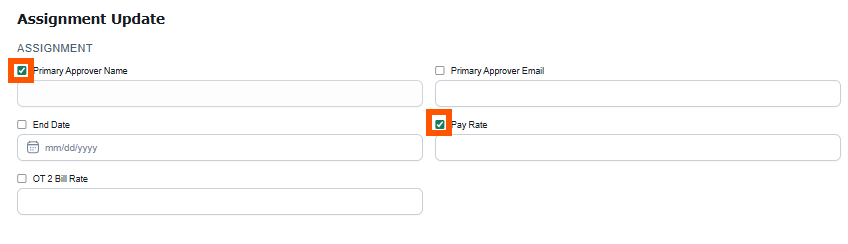 |
8) Click the Update button at the bottom of the page to apply the change(s). |  |
9) A message will display on the page confirming that the update(s) was successful. | 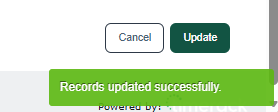 |